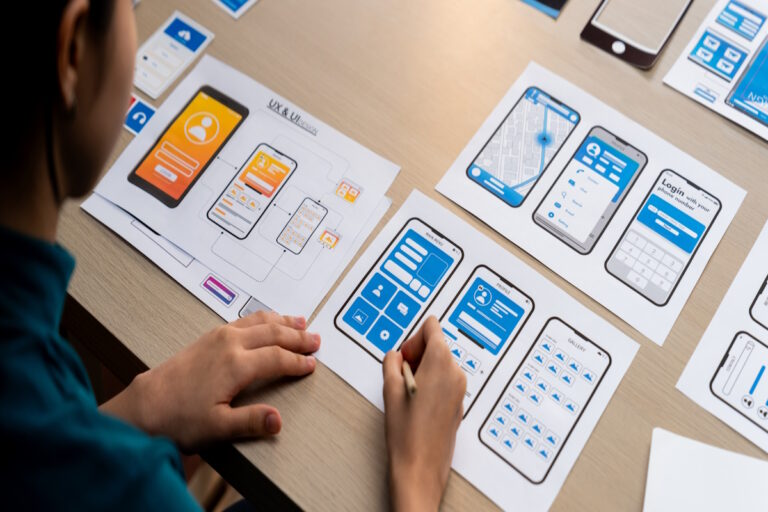

In today’s digital age, it is essential for app developers to prioritize accessibility and inclusivity in their designs, especially when it comes to developing iPad apps. These devices are widely used by individuals with varying abilities, including those with disabilities. By designing iPad apps with accessibility and inclusivity in mind, developers can ensure that their products are usable by all users, regardless of their abilities.
Why Accessibility and Inclusivity Matter
Accessibility and inclusivity are not just buzzwords in app development – they are fundamental aspects of successful design. When developers prioritize accessibility, they are guaranteeing that individuals with disabilities can effectively use their apps. This includes people with visual, auditory, motor, and cognitive impairments, among others. By making apps accessible to all users, developers are not only fostering inclusivity but also tapping into a larger market and increasing the potential for their app’s success.
Inclusivity complements accessibility by aiming to create products that are usable by everyone, irrespective of their background, abilities, or limitations. Designing for inclusivity allows developers to ensure that their apps are user-friendly for individuals of all ages, genders, races, or socioeconomic statuses.
Tips for Designing Accessible and Inclusive iPad Apps
When designing iPad apps for accessibility and inclusivity, there are several key considerations to keep in mind. Here are some tips to help developers create apps that are user-friendly for all individuals:
1. Use Proper Color Contrast
- Ensure sufficient contrast between text and background colors for better readability.
- Consider users with low vision or color blindness when choosing color schemes.
- Test color combinations to ensure readability and accessibility for all users.
2. Provide Alternative Text for Images
- Include descriptive alt text for all images in the app.
- Allow users relying on screen readers to understand the content of images.
- Ensure that the alt text is concise, descriptive, and conveys the essential information of the image.
3. Implement VoiceOver Support
- Ensure compatibility with VoiceOver, the built-in screen reader feature on iPads.
- Label all interactive elements properly for VoiceOver users.
- Test the app with VoiceOver to ensure a seamless user experience for individuals with visual impairments.
4. Design for Touch and Motor Impairments
- Create large, easy-to-tap buttons and gestures for users with motor impairments.
- Provide customizable gesture options to accommodate different user needs.
- Consider the ergonomics of touch gestures for users with varying motor abilities.
5. Consider Cognitive Accessibility
- Design simple and intuitive user interfaces for easy navigation.
- Avoid clutter and unnecessary elements that may confuse users with cognitive impairments.
- Test the app with individuals with cognitive disabilities to ensure ease of use.
6. Conduct User Testing
- Engage individuals with disabilities in the testing process to gather feedback.
- Incorporate user feedback to make necessary adjustments for improved accessibility.
- Continuously test and iterate based on user input to enhance inclusivity and usability.
Conclusion
Designing iPad apps for accessibility and inclusivity is not just a best practice but a moral imperative in today’s digital landscape. By prioritizing accessibility and inclusivity in app design, developers can create products that cater to all users, regardless of their abilities or limitations. By following the tips outlined above and actively seeking user feedback, developers can ensure that their iPad apps are user-friendly and inclusive for everyone. Contact us today to start building your iOS app and be a part of this exciting revolution. The possibilities are endless, and the impact is immeasurable. So let’s take on this challenge together!
FAQs:
1. Why is it important for app developers to prioritize accessibility and inclusivity in their designs?
- Accessibility and inclusivity ensure that individuals with disabilities can use apps effectively and tap into a larger market.
2. What is the relationship between accessibility and inclusivity in app design?
- Inclusive design aims to create products that are usable by everyone, regardless of their background, abilities, or limitations.
3. How can developers improve color contrast in iPad apps for individuals with visual impairments?
- Developers should ensure there is sufficient contrast between text and background colors to make text and images easier to read.
4. What is the importance of providing alternative text for images in iPad apps?
- Providing alternative text for images allows users with visual impairments to understand the content of the images when using screen readers.